Step 1
What you need
Windows and your own unmodified US Super Mario 64 .z64 ROM. Each player supplies their own game data and uses a matching release. Internet for CoopNet; the service is for players aged 13 and over.
Community releaseReviewed 1.5.1
A cooperative Super Mario 64 project with Lua mod support. Start with a private Windows lobby and invite a friend.
Your own US Super Mario 64 ROM. Each player needs their own copy.
Get started →Official project ↗
Source reviewed. Not game-tested by Junction.
The v1.5.1 notes include synchronization and crash fixes, control-binding reset, and Lua API changes. Linux and Mac users are asked to update manually; this is the last dedicated SteamOS package.
Files are hosted by the creator. Junction links to the reviewed release.
Details reviewed · Setup reviewed .
This checklist follows the reviewed Windows package. Each player supplies their own game data.
Step 1
Windows and your own unmodified US Super Mario 64 .z64 ROM. Each player supplies their own game data and uses a matching release. Internet for CoopNet; the service is for players aged 13 and over.
Step 2
Download sm64coopdx_Windows.zip from v1.5.1 and extract it into its own folder. Other OS packages on the release page are not interchangeable.
Step 3
Open the extracted Windows application and drag your own US .z64 ROM onto its window, as the official website instructs. Keep your original ROM and existing saves backed up; Junction does not provide game files.
Step 4
Choose Host and CoopNet. Set a password for a private lobby, then select a save slot. Check local movement before inviting anyone.
Step 5
Use the creator’s Discord-invite or hostname/password joining route. A matching release is the starting point; CoopNet may require a newer version. Do not infer current service support from this pinned guide.
Step 6
Keep the first check free of extra mods, then follow the project’s mod documentation. Use the project’s documentation to check each mod’s requirements.
Step 7
CoopNet may require a newer version. Match your friend’s release and check service requirements before joining.
Step 8
Back up game data and saves before changing versions. Linux and Mac users must update manually for v1.5.1; this is the last dedicated SteamOS package.
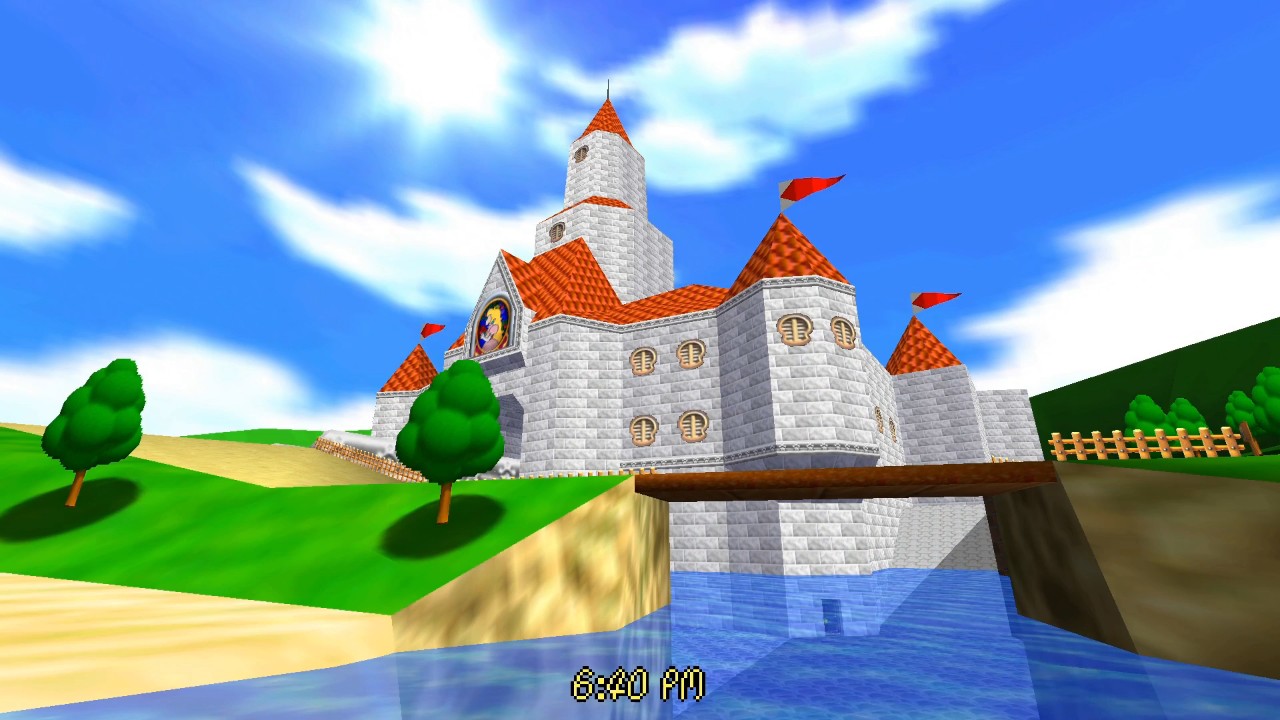
Historical project showcase with an additional lighting/time-of-day mod. It does not establish the exact SM64CoopDX version shown or the default appearance of v1.5.1.
Agent X · Coop Deluxe Team
Official historical v1.0 trailer. It introduces the project; it does not show the exact v1.5.1 build used in this guide.
Videos and galleries open at their original source.