Step 1
What you need
Minecraft Java 1.21.1, Java 21 and NeoForge. Your own US Super Mario 64 .z64 ROM. Keep the mod JAR intact; the guide explains the ROM location.
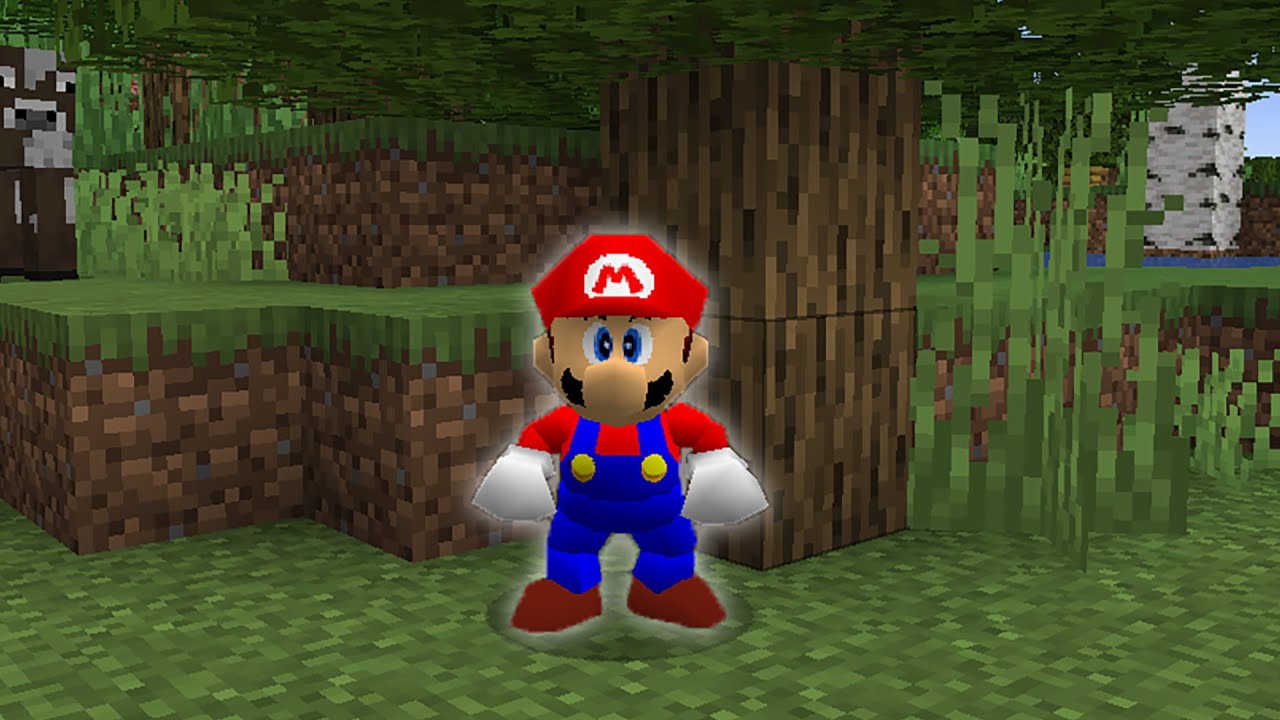
Work in progressReviewed 1.2.5
Super Mario 64 movement inside Minecraft. This work-in-progress mod starts with a singleplayer setup and your own Super Mario 64 game data.
Work in progress · Minecraft Java 1.21.1 + NeoForge · Your own US Super Mario 64 ROM.
Get started →Official project ↗
Source reviewed. Not game-tested by Junction.
The 1.2.5 release updates NeoForge and fixes switching modes without a valid ROM.
Files are hosted by the creator. Junction links to the reviewed release.
Details reviewed · Setup reviewed .
Creator documents this platform. Native compatibility remains unverified.
Step 1
Minecraft Java 1.21.1, Java 21 and NeoForge. Your own US Super Mario 64 .z64 ROM. Keep the mod JAR intact; the guide explains the ROM location.
Step 2
Create a separate Minecraft Java 1.21.1 profile using Java 21 and NeoForge. The 1.2.5 source builds against NeoForge 21.1.252. Older Forge instructions refer to older Minecraft versions.
Step 3
Download retro64-1.2.5-neoforge-1.21.1.jar from release 1.2.5. Put the intact JAR in that profile’s mods folder; do not unpack the JAR.
Step 4
Put your US Super Mario 64 .z64 in the same mods folder. Upstream requires SHA-1 9bef1128717f958171a4afac3ed78ee2bb4e86ce. No ROM is supplied by Junction.
Step 5
Launch the NeoForge profile and open a test world. M switches Retro64 mode; Z opens character selection. Recheck the ROM if switching fails. Upstream recommends singleplayer.
Step 6
Shaders and rendering-changing mods are unsupported in the reviewed guide. If there is a conflict, return to the separate minimal profile; this does not establish a safe rollback for existing worlds.
Step 7
The creator recommends singleplayer. Shaders and rendering mods are unsupported.
Step 8
Keep your original profile and worlds separate. The reviewed instructions do not establish a safe world rollback after removing the mod.
Historical creator thumbnail; Retro64 remains a work in progress. This is not evidence of the current NeoForge 1.2.5 build.
Dylan (@pdxdylan)
Creator video linked by Retro64’s official instructions. Historical demonstration; it is not a recording of the reviewed 1.2.5 build.
Dylan · @pdxdylan
Original creator post linked by the project documentation. Historical media, not evidence of current compatibility.
Videos and galleries open at their original source.