Step 1
What you need
Minecraft Java 1.20.4, Fabric Loader and Fabric API. DimLib and Cloth Config are bundled in the reviewed artifact. Matching client and server installations for multiplayer.
Archived projectReviewed 5.1.10
See through portals into the world beyond, then walk straight through. This guide follows the archived Fabric release for Minecraft 1.20.4.
Archived · Minecraft Java 1.20.4 · Fabric + Fabric API.
Get started →Official project ↗
Source reviewed. Not game-tested by Junction.
The selected 5.1.10 release links fix #1579. See the original issue and release notes for its scope; this is not the newest overall branch.
Files are hosted by the creator. Junction links to the reviewed release.
Details reviewed · Setup reviewed .
Archived Fabric release for Minecraft 1.20.4. Operating-system compatibility remains unverified.
Step 1
Minecraft Java 1.20.4, Fabric Loader and Fabric API. DimLib and Cloth Config are bundled in the reviewed artifact. Matching client and server installations for multiplayer.
Step 2
Create a separate Minecraft Java 1.20.4 profile. The reviewed source uses Fabric Loader 0.15.1. Launch it once so its mods folder exists.
Step 3
Put immersive-portals-5.1.10-mc1.20.4-fabric.jar and Fabric API for 1.20.4 in the profile’s mods folder. The source pins Fabric API 0.91.2+1.20.4; Fabric API is separate from the loader.
Step 4
DimLib and Cloth Config are bundled in the reviewed artifact. Start without shader or VR mods: OptiFabric is incompatible, and Vivecraft/MCXR are listed as severe conflicts.
Step 5
Launch the Fabric profile and test a Nether portal in a separate world. Follow the creator’s compatibility instructions if it fails. Extra rendered worlds can reduce frame rate.
Step 6
For multiplayer, use matching game, loader and mod installations on client and server. Start with a separate test world before adding this to an existing server.
Step 7
Archived and unmaintained. Vivecraft and MCXR are severe conflicts; OptiFabric is incompatible. Rendering extra worlds can reduce performance.
Step 8
Keep the original world backed up. Do not assume portal structures will remain usable after removing the mod; a full world-conversion procedure is not established.
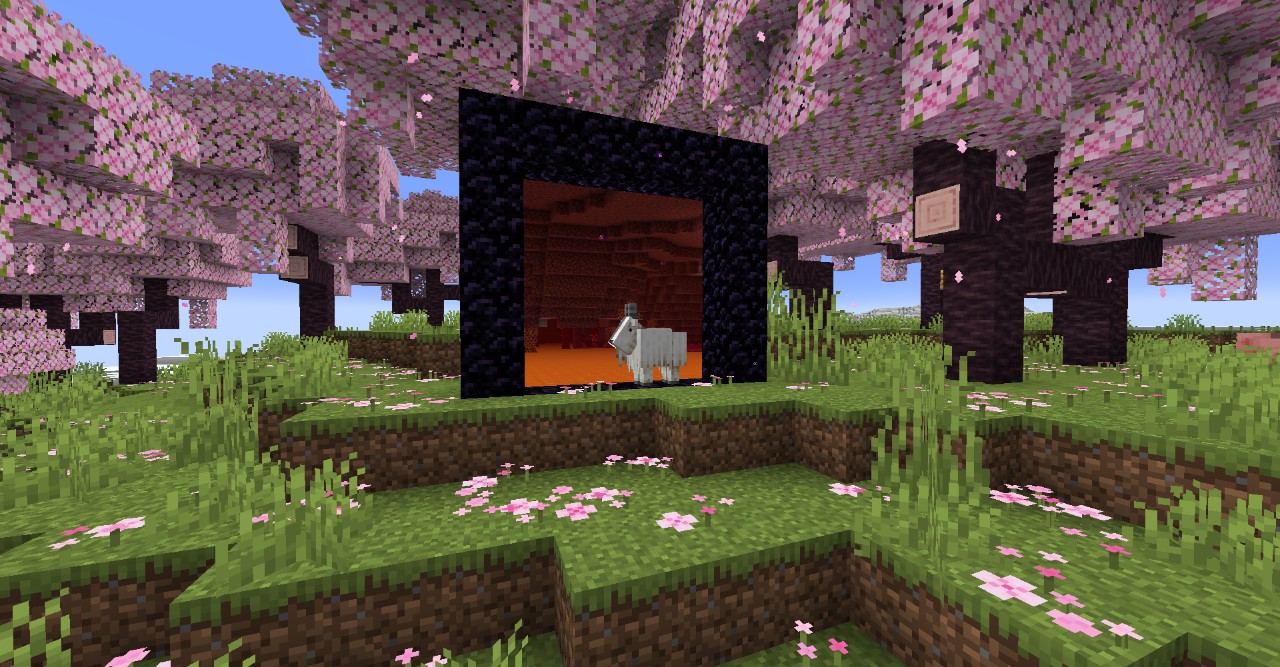
Official website showcase, identified by its source filename as a Minecraft 1.20 image. The exact mod build is not identified; it is not proof of the selected 5.1.10 release.
qouteall and contributors
View the official documentation’s visual examples at their original source. These illustrate the project; they are not a compatibility test of this selected build.
Videos and galleries open at their original source.