Step 1
What you need
Windows and 64-bit Garry’s Mod. Creator’s Steam Workshop addon and G64 native installer. Your own US Super Mario 64 ROM.
Community releaseReviewed 1.0.1
By ckosmic
Mario’s movement and physics inside Garry’s Mod. The Windows setup pairs the Workshop addon with its native module and your own Super Mario 64 game data.
Windows · 64-bit Garry’s Mod · Your own US Super Mario 64 ROM.
Get started →Official project ↗
Source reviewed. Not game-tested by Junction.
Installer 1.0.1 fixes detection of gmod.exe. This is the installer’s version; the native module and Workshop addon have separate release histories.
Files are hosted by the creator. Junction links to the reviewed release.
Details reviewed · Setup reviewed .
Requires 64-bit Garry’s Mod. Installer 1.0.1 is separate from the addon/native-module versions.
Step 1
Windows and 64-bit Garry’s Mod. Creator’s Steam Workshop addon and G64 native installer. Your own US Super Mario 64 ROM.
Step 2
Subscribe to ckosmic’s original G64 addon. This adds the game-side content; it does not replace the native installer.
Step 3
From installer release 1.0.1, download and run G64Installer.exe for your Garry’s Mod installation. The reviewed installer fixes game executable detection.
Step 4
Use Garry’s Mod’s 64-bit build in Steam. The pinned README calls this the x86-64 Chromium branch; current Steam labels can differ. Load a test map.
Step 5
In the spawn menu, open Utilities → G64 → Settings and point it to your own US ROM. The upstream SHA-1 is 9bef1128717f958171a4afac3ed78ee2bb4e86ce.
Step 6
Spawn Mario from the G64 tab. If that fails, recheck the 64-bit game, native installation and ROM path.
Step 7
Use the 64-bit game. Steam’s current branch labels can differ from those in the older README.
Step 8
Unsubscribing from the Workshop does not necessarily remove the native files. The reviewed README does not provide a full uninstall procedure; check with the creator before removing components.
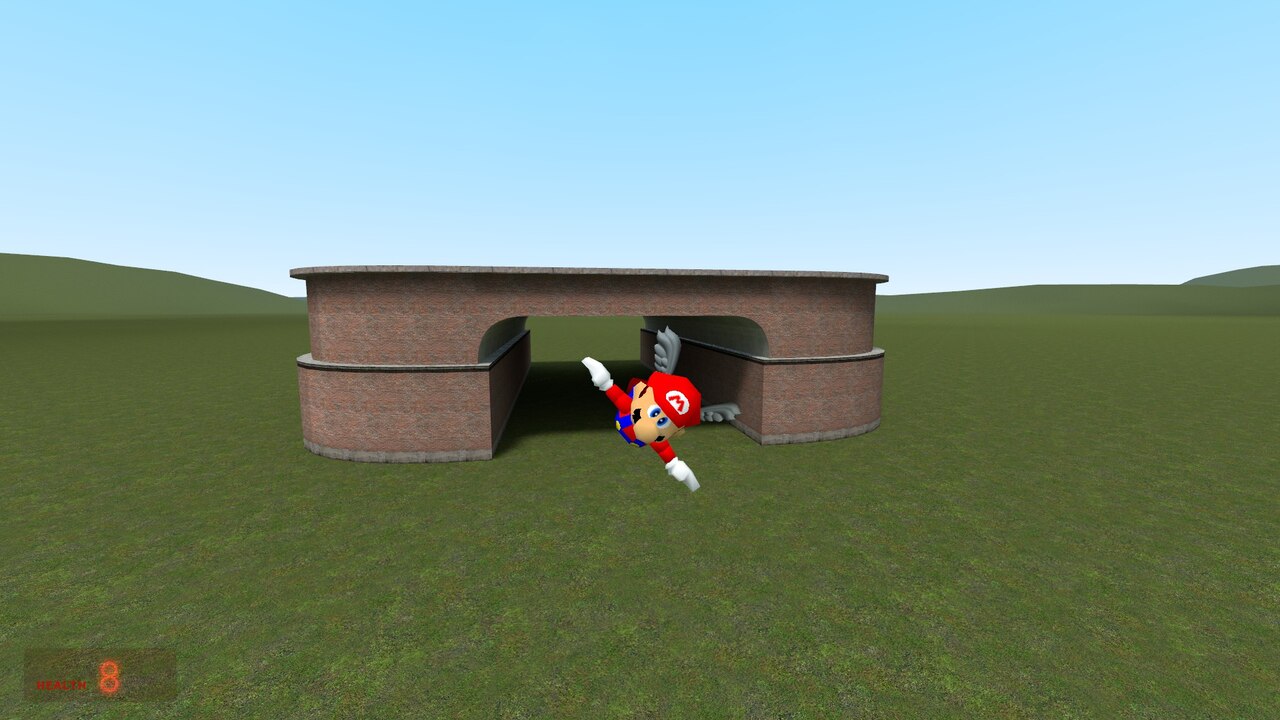
Historical creator gallery image; the pictured addon/native-module version is not identified. It does not establish compatibility with the guide’s installer version.
ckosmic · Steam Workshop
The project README links this original addon listing. Open its creator-hosted gallery on Steam; image reuse permission has not been established.
Videos and galleries open at their original source.